Built in the open since 2017AGPLv3
No lock-in, no ads — just a wallpaper engine you can trust and shape yourself.
Nearly a decade of continuous open-source development — from the very first commit on March 25, 2017 to today. ScreenPlay runs on the latest, battle-tested technology — modern C++23, Qt 6 and Godot 4 — so your wallpapers keep working and keep getting faster with every release. Read every line, contribute a feature, or compile the whole thing yourself.
Browse the source on GitLabAny wallpaper you can imagine
Video, HTML5, websites, QML and GIF — one engine drives them all.
ScreenPlay renders every format as smooth, GPU-accelerated live wallpaper across all of your monitors, with crossfade transitions between them. Mix and match sources per screen and switch on the fly.
Explore wallpaper typesWidgets on your desktop
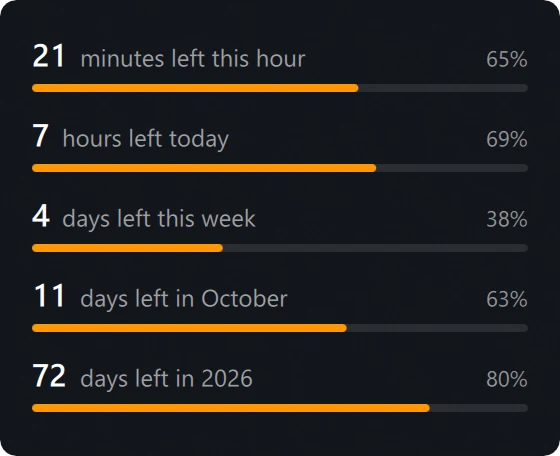
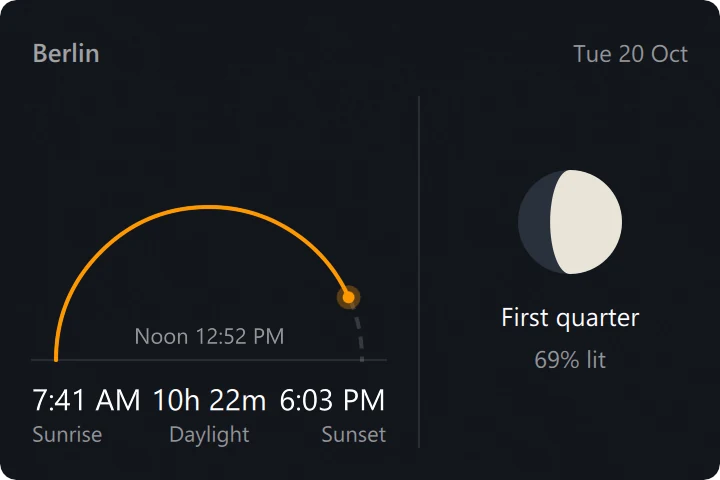
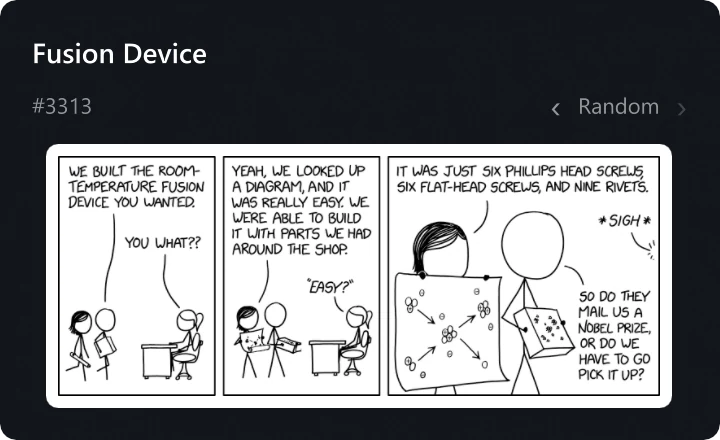
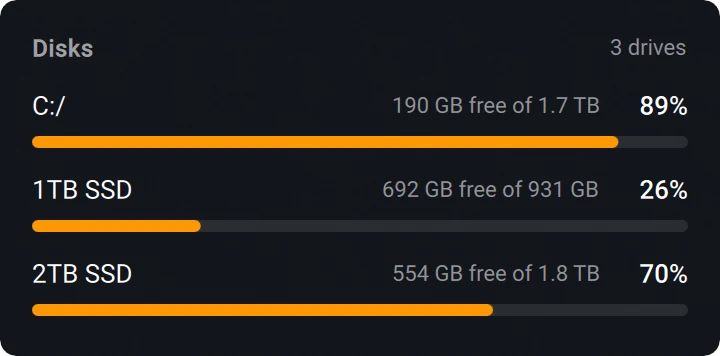
Every widget below comes with ScreenPlay: clocks, weather, system stats, music, news, your smart home and your 3D printer.
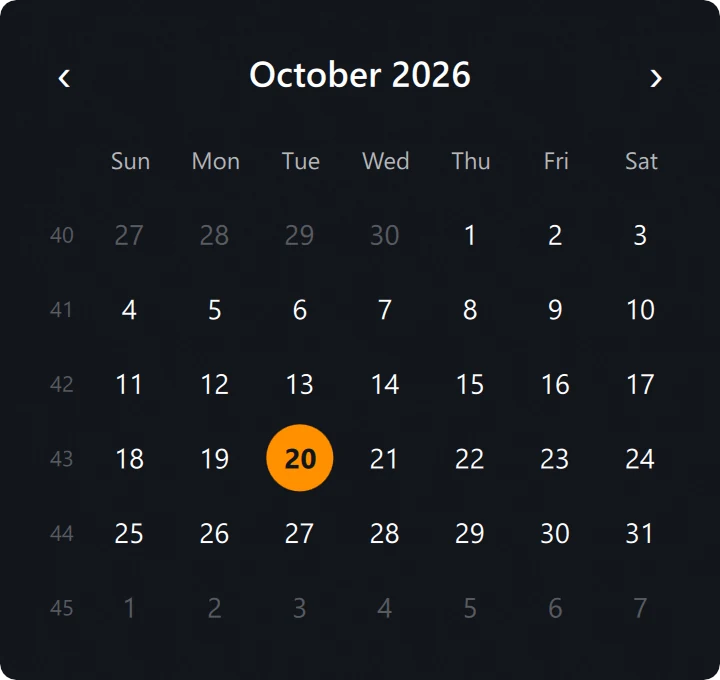
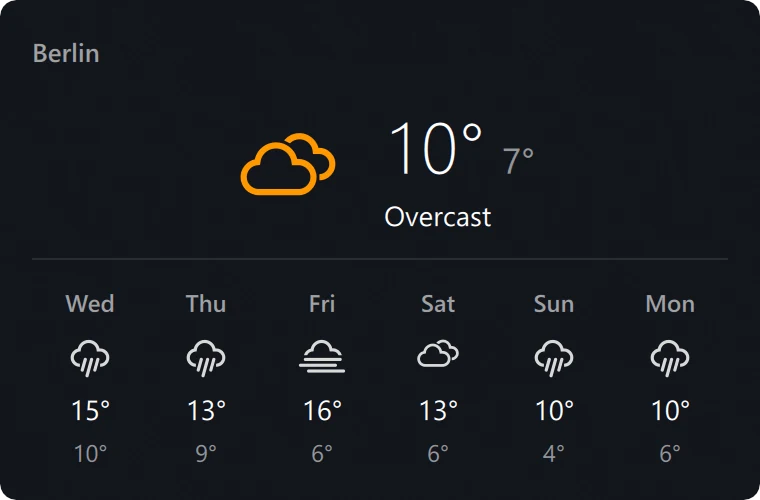
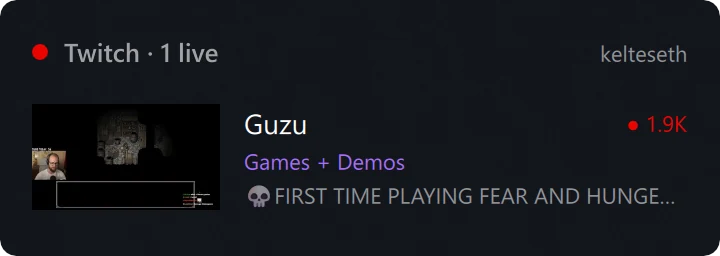
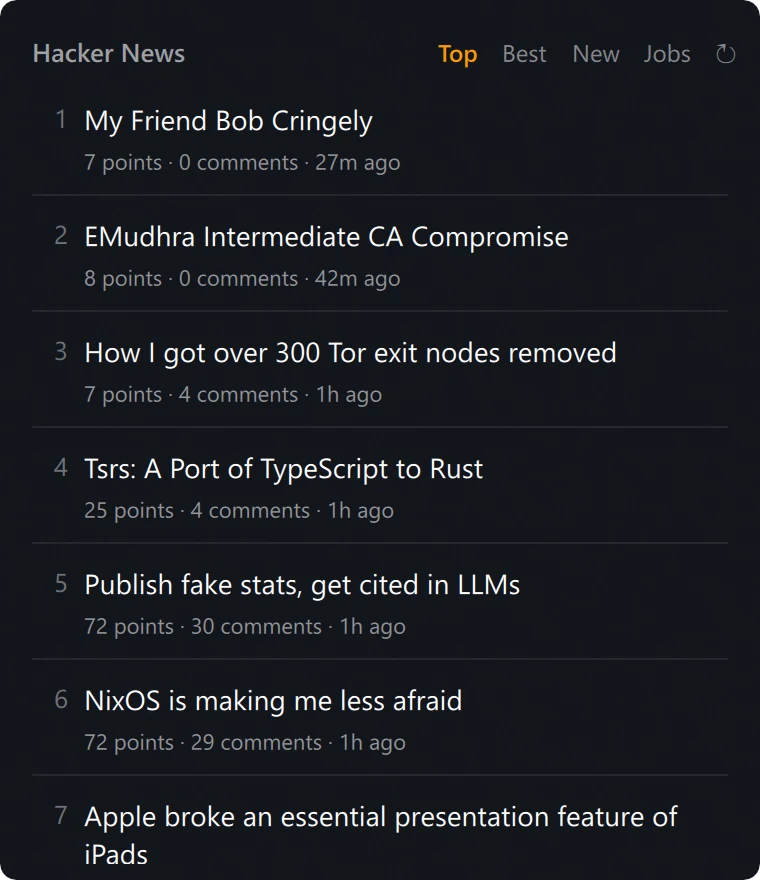

Godot game wallpapers
Real, interactive Godot 4 scenes running as your desktop.
Run full Godot 4 games and scenes as your live wallpaper — interactive, physics-driven and endlessly configurable, with per-wallpaper scaling, rendering-engine and volume control. If you can build it in Godot, you can live on it.
Support the developer · or compile it yourself
Read moreTimeline wallpapers
A desktop that follows the clock, automatically.
Schedule your desktop across the day — a calm sunrise scene for the morning, something focused for work hours, an ambient loop at night. ScreenPlay crossfades between them for you, right on time.
Support the developer · or compile it yourself
Read moreVast Steam Workshop
Thousands of community wallpapers, one click away.
Browse the Steam Workshop with endless scrolling, subscribe with one click and new wallpapers land straight in your library — updates included. When you build something of your own, publishing it to the community is just as easy.
Browse the WorkshopAnd a whole lot more
Creation Wizards
Built-in wizards turn a video, GIF, website or QML scene into a finished wallpaper or widget. Pick a type, name it, done.
Video Wallpapers
Drop in any video and ScreenPlay converts it to a smooth, light wallpaper, with a preview made for you.
Live Reloading
Hot-reload your Wallpapers and Widgets and see every change instantly, without restarting.
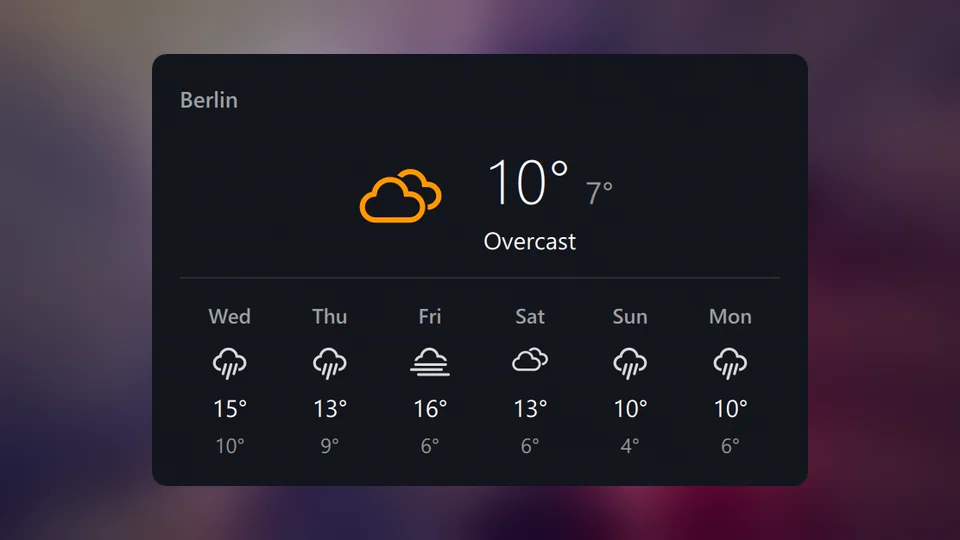
Weather Forecast API
A detailed 7-day forecast powered by open-meteo.com, with a matching set of weather icons. Use it in your widgets and your QML wallpapers.
Home Assistant
Switch your lights and see your sensors right from the desktop. Pick single entities or whole areas. Use it in your widgets and your QML wallpapers.
One-Click Import & Export
Drag a .screenplay file into the app to import; export your creations just as easily.
SysInfo API
Show live CPU, GPU, memory, disk and network stats — handy for power users, developers and sysadmins. Use it in your widgets and your QML wallpapers.
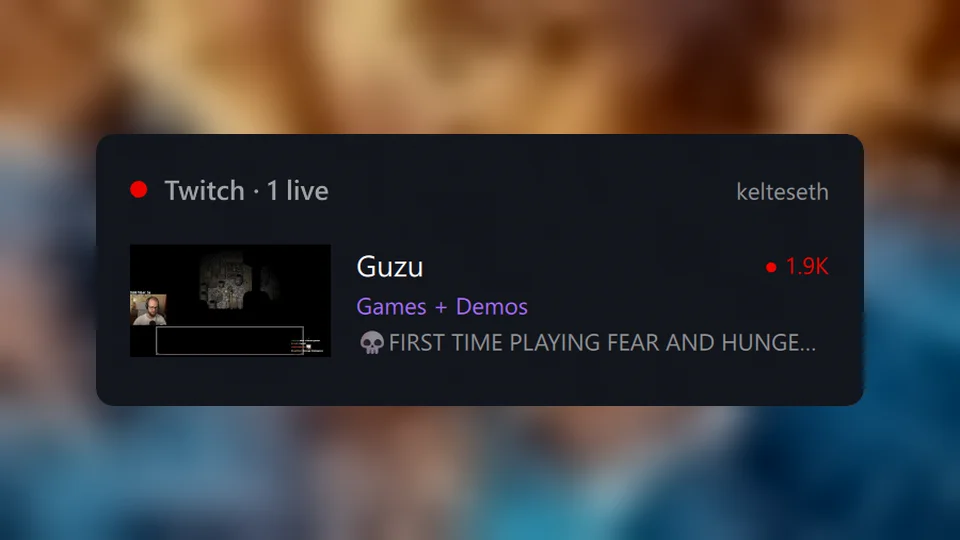
Twitch
See which of your channels are live and get a popup when one starts streaming. Use it in your widgets and your QML wallpapers.


Your library
- Favorites Keep the wallpapers and widgets you love in their own tab.
- Smart sorting Sort by last used or most used, with your play history.
- Content type tabs A tab for each content type, in your library and the Workshop.
- More example content Start from a built-in example, like Aurora or the Fjord Cave Godot scene.
- 29 languages The whole app is translated, Workshop included.
Make it yours
- Configure page One place to set up your wallpapers, widgets and service accounts.
- Settings editor Edit the title, tags and every setting of your items.
- Live preview editor Capture a fresh preview image straight from the running wallpaper.
- Resizable widgets Move, resize and close widgets in edit mode.
- HTML wallpaper settings HTML wallpapers now have their own settings.
Fast and stable
- Vulkan & DirectX 12 Vulkan by default, with DirectX 12, DirectX 11 and OpenGL to choose from.
- Frame rate limit Cap the FPS of every wallpaper to save power.
- Crash recovery Crashed wallpapers restart on their own and come back after sleep.
- Start muted Let wallpapers with sound start silent.
- Telemetry opt-out Anonymous telemetry can be turned off in the settings.
Creators & macOS
- Update Workshop items Publish updates to your items and see which files changed.
- Creator pages Click a creator to see everything they made.
- Mouse & keyboard input QML wallpapers can react to your mouse and keyboard.
- Mission Control Spaces On macOS, wallpapers follow you across Spaces.
- Tray quick settings Pause, mute and open settings right from the tray icon.
Made by one developer — and a community
Questions, feedback, wallpapers-in-progress — come hang out.